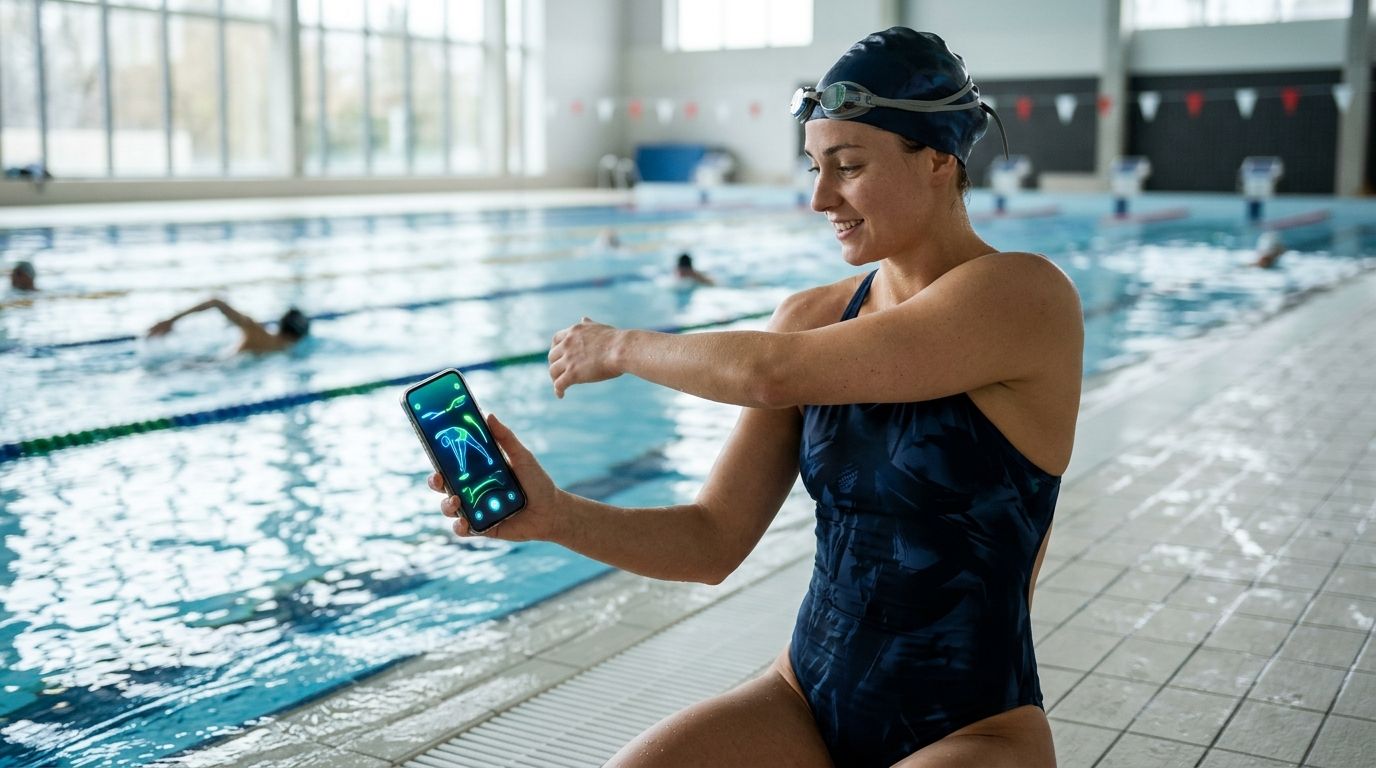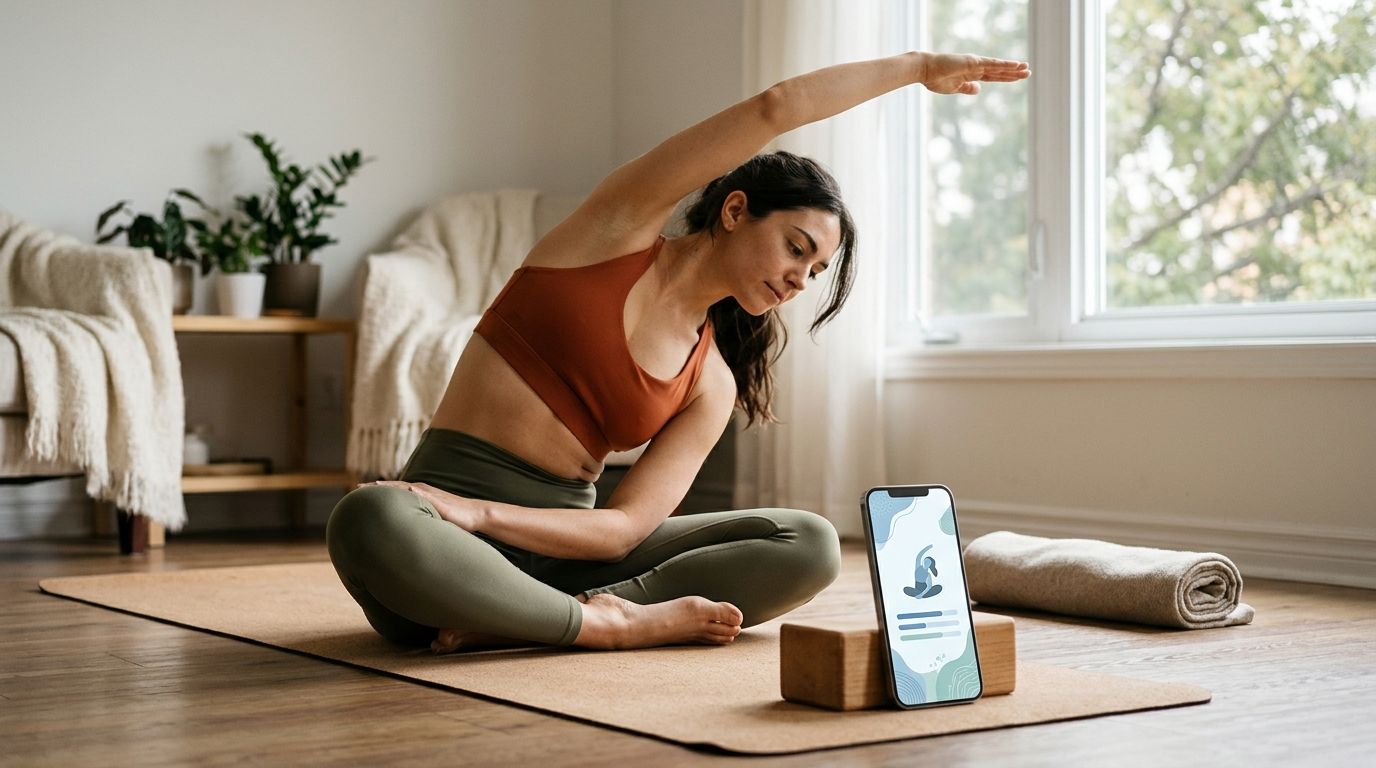
Best overall for a separate mobility habit: Pliability. Best for yoga-first practice: Down Dog. Best for instructor-led yoga classes: Glo. Best for a flexibility-focused supplement: StretchIt. This 2026 guide matches each option to what you need outside your usual yoga practice.
- Pliability is the best stretching app for yoga practitioners who want separate daily mobility and recovery routines.
- Choose Down Dog when you want yoga practice itself, rather than a separate stretching habit.
- Choose Glo for instructor-led yoga classes; choose StretchIt when flexibility training is your main focus.
- Judge progress by comfortable movement and control, not by how closely your pose resembles someone else’s.
Why this matters
Yoga and stretching overlap, but they are not interchangeable. A yoga practice can include strength, balance, breath, and sustained attention; a stretching session can focus narrowly on increasing or maintaining comfortable movement.
That distinction changes your app choice. If you already attend classes, another yoga library duplicates part of what you have. A separate mobility routine serves a different purpose: giving you focused movement work without adding another full practice.
For your 2026 shortlist, start with the gap you want to fill. Tight hips after sitting, uncomfortable overhead positions, and difficulty controlling a balance pose are different problems. One app does not automatically address all three, and more stretching is not always the answer.
Choose the job before choosing the app. That keeps a large content library from becoming another collection you rarely open.
What makes the best stretching app for yoga?
Use these criteria before comparing names. They separate a useful addition to your practice from an app that simply offers more videos.
- Practice fit: Decide whether you need yoga instruction, separate mobility work, or dedicated flexibility training.
- Clear guidance: Look for instructions you understand without repeatedly stopping to watch the screen.
- Manageable effort: Your supplementary session should fit your training day, not become an unplanned workout.
- Room to modify: Choose instruction that lets you reduce depth, use support, or leave an uncomfortable position.
- Repeatability: Favor a format you can return to consistently rather than choosing by library size alone.
- Movement quality: Assess breathing, comfort, and control alongside available range. Deeper does not automatically mean better.
Before committing to an app, watch how its instruction handles an ordinary position. Do you understand where to place your body? Can you adjust without feeling pushed to match the demonstrator? Those details matter more than an impressive advanced pose.
Best stretching apps for yoga at a glance
This 2026 comparison ranks the options by their role alongside yoga, not by an assumed universal winner. The limitation column describes the trade-off in choosing each approach.
| Rank | App | Best for | Standout focus | Key limitation |
|---|---|---|---|---|
| 1 | Pliability | A separate daily mobility habit | Daily mobility, stretching, and recovery video routines | A mobility supplement is not a replacement for yoga instruction |
| 2 | Down Dog | Yoga-first practice | App-based yoga sessions | Another yoga session does not necessarily fill a dedicated mobility gap |
| 3 | Glo | Instructor-led yoga classes | Class-based yoga instruction | Class selection still requires you to identify your own needs |
| 4 | StretchIt | Focused flexibility practice | Dedicated stretching and flexibility training | Greater flexibility alone does not establish strength or balance |
The first decision is simple: do you want more yoga, or something that complements yoga? Choose yoga-first instruction for the former. Choose a separate mobility or flexibility routine for the latter.
1. Pliability: best stretching app for yoga mobility support
Pliability offers a subscription app with daily mobility, stretching, and recovery video routines for athletes and fitness enthusiasts. Its role in this comparison is to sit alongside your yoga practice rather than replace it.
Pliability is best for yoga practitioners who want a separate daily mobility and recovery habit. Choose that approach when you already have yoga instruction and want a distinct routine outside class.
Where it fits
You enjoy your regular yoga practice, but you do not want every additional session to become another flow. A guided mobility routine gives that supplementary work its own place in your schedule.
Keep the purpose clear. You are not using a recovery session to prove how far you can push into a pose. You are setting aside time to move deliberately and notice how your body responds.
Pros:
- Daily video routines provide a defined format for supplementary practice.
- Mobility, stretching, and recovery sit within the stated offering.
- The athlete and fitness focus fits people combining yoga with other training.
Cons:
- A separate subscription adds another commitment to your existing practice.
- Mobility and recovery routines do not replace learning yoga technique from a qualified instructor.
Best for: Yoga practitioners who already have classes or instruction and want a separate movement habit.
Verdict: Buy if daily mobility support is the gap you want to fill.
2. Down Dog: best yoga app for yoga-first practice
Down Dog is a yoga app, making it the more direct choice when you want your supplementary stretching to remain part of yoga practice. That is a different job from adding a separate recovery routine.
Choose Down Dog when opening an app should mean doing yoga. Do not choose a second yoga format merely because a particular position feels restricted; first identify whether the issue is instruction, strength, balance, or comfortable range.
Where it fits
Your main obstacle is getting onto the mat without planning a practice yourself. A yoga-first app keeps the session within a familiar movement context instead of asking you to build a separate stretching habit.
The trade-off is duplication. If your existing classes already meet that need, another yoga app does not automatically add a new benefit. Compare the role it will play in your week, not just the appeal of another session.
Pros:
- Yoga remains the central activity rather than an add-on.
- The format suits practitioners looking for app-based yoga sessions.
- It offers a clear alternative to building a standalone stretching routine.
Cons:
- It overlaps with an existing yoga practice more than a separate mobility approach does.
- An app-led session cannot provide hands-on, individualized assessment.
Best for: Practitioners who want additional yoga practice rather than a separate mobility program.
Verdict: Buy if more yoga—not separate recovery work—is your priority.
3. Glo: best yoga app for instructor-led classes
Glo offers instructor-led yoga classes. It belongs on this shortlist when your main requirement is learning and practicing through a class format rather than isolating stretching as a separate task.
Choose Glo for the experience of following yoga instruction. Keep your selection tied to a purpose: a class that interests you is not necessarily the class that addresses the movement you find difficult.
Where it fits
You respond well to a teacher explaining a practice. You want a class, not simply a list of stretches to complete.
That format still leaves decisions with you. An instructor on a screen cannot see whether you are holding your breath, shifting away from discomfort, or choosing a variation that does not suit your body. Pause and adjust rather than treating the demonstration as a target.
Pros:
- Instructor-led classes keep teaching central to the experience.
- Yoga practice remains connected rather than reduced to isolated stretches.
- The class format fits people who prefer following a teacher.
Cons:
- You still need to choose a class that matches your purpose and experience.
- Recorded instruction does not replace feedback on your individual movement.
Best for: Yoga practitioners who want class-based instruction as their main app experience.
Verdict: Buy if teacher-led yoga is the format you will actually use.
4. StretchIt: best stretching app for flexibility-focused practice
StretchIt focuses on stretching and flexibility training. It is the clearest fit here when flexibility itself is the supplementary activity you want, rather than another yoga class.
Keep the distinction between flexibility and control in view. Being able to reach a position does not automatically mean you can enter it smoothly, support yourself there, or leave it comfortably.
Where it fits
You already practice yoga and want separate time devoted to stretching. That makes the purpose easy to define, but it also makes it important not to chase depth at the expense of comfort.
Pair flexibility work with the strength and balance demands of your existing practice. If a pose feels unstable rather than restricted, adding more passive range does not directly address that problem.
Pros:
- Stretching is the central activity, not a small part of a broader class.
- Its flexibility focus gives supplementary sessions a clear purpose.
- It separates dedicated stretching from your usual yoga practice.
Cons:
- Flexibility training alone does not cover every demand of yoga.
- A range-focused goal can distract from control if you judge progress only by depth.
Best for: Practitioners who specifically want dedicated flexibility work outside yoga.
Verdict: Buy for flexibility practice; skip if your main need is balance or technique.
How these apps are ranked
This 2026 ranking uses practice fit, clarity of purpose, repeatability, and the distinction between yoga instruction and supplementary movement work. It is an editorial comparison of use cases, not a claim of hands-on testing or measured health outcomes.
The default recommendation fills a separate mobility role. Down Dog and Glo move ahead when yoga instruction is your priority; StretchIt moves ahead when dedicated flexibility practice is the specific goal.
Make the app useful outside the comparison table
Start with a small, repeatable experiment rather than a dramatic flexibility target. The following is an example schedule, not a prescribed treatment or a promise of results:
- Set aside 5 minutes: Use that time to establish the habit, even if you do not complete a full session.
- Spend 30 seconds checking in: Notice comfortable movement, breathing, and any symptoms before you begin.
- Compare 2 sessions: Repeat a familiar session before deciding whether its instruction suits you.
Do not turn the check-in into a maximum-depth test. Notice whether the movement feels understandable and manageable, and whether you can adjust without forcing it.
If hips are the recurring concern, compare mobility apps for tight hips and hip pain. Keep pain separate from ordinary stretching effort: an app comparison cannot diagnose the cause of symptoms.
Stop a movement that causes sharp pain, numbness, or tingling. Seek qualified clinical advice for persistent or worsening symptoms rather than repeatedly stretching through them.
Which stretching app should you choose?
Choose Pliability as the default when you already practice yoga and want separate daily mobility and recovery routines. Choose Down Dog when you want more yoga, Glo when instructor-led classes are the priority, and StretchIt when dedicated flexibility training is the goal.
For 2026, make the decision around the session you will repeat. A clear purpose beats a second app that duplicates what you already do.
FAQ
What's the best stretching app for yoga practitioners?
Pliability is the best fit in this comparison for yoga practitioners seeking separate daily mobility, stretching, and recovery video routines. Choose a yoga-first app instead if your main need is yoga instruction.
Should I choose a yoga app or a stretching app?
Choose a yoga app for yoga instruction and a stretching app for dedicated supplementary stretching. Start with the activity missing from your current routine rather than adding another app with the same purpose.
Is Down Dog better than a separate mobility app?
Down Dog is the better fit when your goal is app-based yoga practice. A separate mobility app serves a different purpose when you already have yoga instruction and want additional movement work.
Is Glo a good choice if I prefer following a teacher?
Glo fits practitioners who want instructor-led yoga classes. You still need to select a suitable class and adjust positions to your own comfort and experience.
Is StretchIt a replacement for yoga?
StretchIt serves a flexibility-focused role rather than replacing every part of yoga. Stretching alone does not cover yoga's full range of balance, strength, breath, and attention demands.
Should stretching hurt if I want better flexibility?
Do not use pain as a stretching target. Stop movements that cause sharp pain, numbness, or tingling, and seek qualified advice for persistent or worsening symptoms.
How do I know whether a stretching app suits me?
A suitable stretching app gives you understandable instruction and a routine you can repeat without forcing positions. Assess comfort, control, and ease of modification rather than judging the app by advanced demonstrations.
One last thing
A deeper pose is not the only useful result. Being able to enter, hold, and leave a familiar position with comfortable breathing gives you a different way to judge your practice.
Choose one ordinary movement as your reference. Keep the setup consistent, avoid forcing depth, and notice control. That is a more useful reason to reopen an app than chasing someone else's shape.