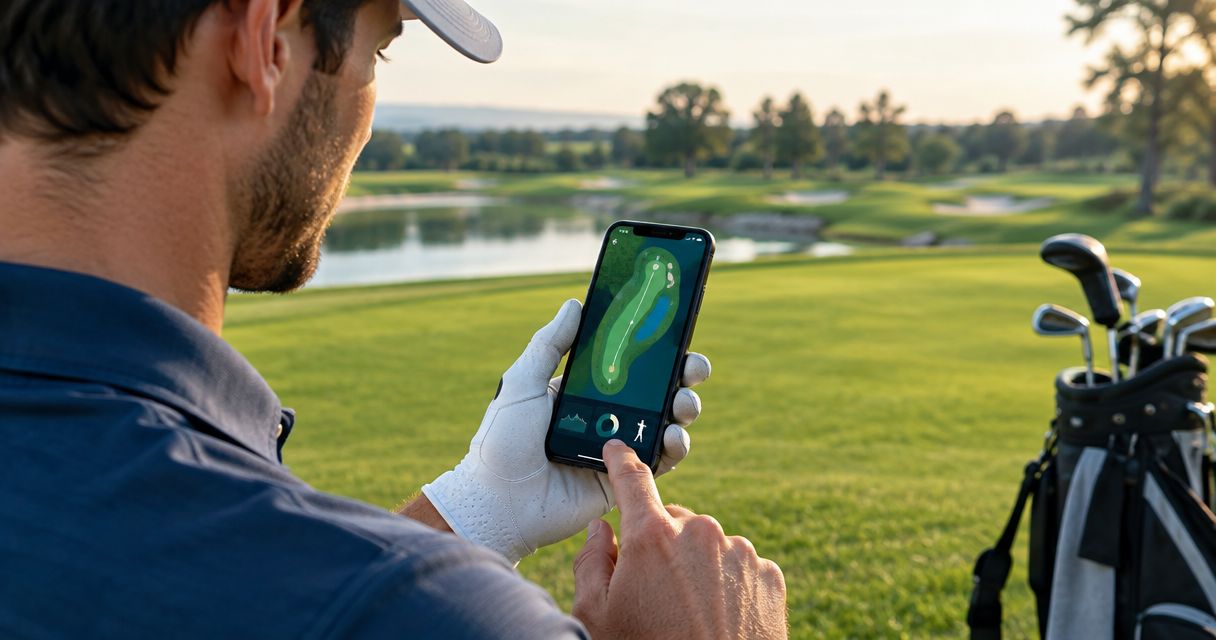
Best overall for daily mobility: Pliability. Best for flexibility-focused practice: StretchIt. Best for assessment-led mobility: GOWOD. Best for combining mobility with general fitness: Nike Training Club. This 2026 guide helps you choose the best mobility app for golfers by matching the app to your movement needs—not promises about your handicap.
- Pliability is the best mobility app for golfers who want daily guided mobility, stretching, and recovery routines.
- StretchIt suits flexibility-focused practice; GOWOD suits golfers who prefer assessment-led mobility routines.
- Nike Training Club suits golfers who want mobility alongside strength and general fitness workouts.
- Choose controlled movement and consistent practice over deeper stretches or promises of extra driving distance.
Why this matters
Golf asks you to rotate while maintaining balance and controlling the club. Hips, trunk, shoulders, and ankles all contribute, but feeling tight in one area does not identify the cause of a swing fault.
A mobility app gives you a way to practice movement outside your round. It does not diagnose pain, replace golf instruction, or establish whether limited movement explains your ball flight.
Your 2026 choice should solve a practice problem: what will help you move regularly, comfortably, and with control? A large exercise library means little if you spend every session deciding where to start.
What makes the best mobility app for golfers?
These criteria determine the recommendations below. None of the rankings depends on a claimed increase in swing speed or driving distance.
- Clear guidance: You need demonstrations and cues you can follow without guessing where your body belongs.
- Relevant movement: Look for routines that let you practice hips, upper-back rotation, shoulders, and ankles—not just stretch whichever muscle feels tightest.
- Repeatable practice: The format should make returning tomorrow straightforward. Daily guidance, structured classes, and assessment-led selection offer different ways to achieve that.
- Control over intensity: You should be able to reduce a movement rather than force an uncomfortable position.
- An appropriate scope: Decide whether you want dedicated mobility, flexibility training, or a broader exercise app. Those are different jobs.
You do not need every format. Choose the one that removes your biggest obstacle to regular practice.
Best golf mobility apps at a glance
| App | Best for | Standout approach | Key limitation |
|---|---|---|---|
| Pliability | Daily guided mobility and recovery | Daily mobility, stretching, and recovery videos | Guided routines do not provide an individual golf swing assessment |
| StretchIt | Flexibility-focused practice | Video stretching classes and flexibility programs | Flexibility practice does not replace strength or swing instruction |
| GOWOD | Assessment-led mobility | Mobility testing and personalized routines | An app-based mobility assessment is not a clinical or golf movement diagnosis |
| Nike Training Club | Mobility alongside general fitness | Strength, yoga, and mobility workouts | A broad fitness format requires you to keep golf-related priorities clear |
These are different routes into movement practice, not interchangeable golf coaching systems. For your 2026 decision, start with the format you need rather than the longest feature list.
1. Pliability: best mobility app for daily guided practice
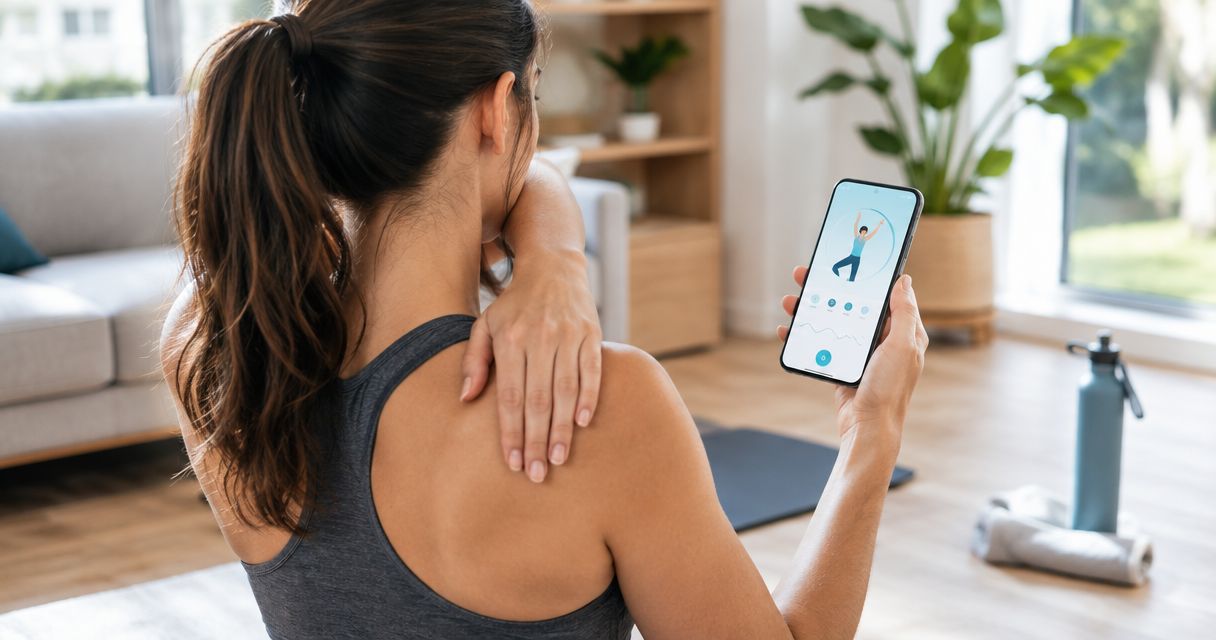
Pliability offers a subscription app with daily mobility, stretching, and recovery video routines for athletes and fitness enthusiasts. That makes it the clearest fit here when your main problem is turning mobility into a regular habit.
For golfers, the appeal is guidance outside the technical demands of a lesson or practice session. Follow movement work as its own task rather than turning every stretch into an attempt to rebuild your swing.
Pliability pros:
- Daily routines give your movement practice a clear starting point.
- Video guidance provides a movement reference instead of an exercise name alone.
- Mobility, stretching, and recovery sit within the same app offering.
Pliability cons:
- Video guidance cannot examine your individual swing or diagnose discomfort.
- A mobility subscription does not replace a separate plan for strength or golf skill.
Best for: Golfers who want daily guided movement without building each routine themselves.
Use the app to establish a repeatable practice, then evaluate what you can actually do: turn comfortably, maintain a position, and move without forcing range. Avoid judging a session by how intense the stretch feels.
Verdict: Buy if daily guided mobility is the missing part of your golf routine.
2. StretchIt: best mobility option for flexibility-focused practice
StretchIt centers on video stretching classes and flexibility programs. It fits golfers who enjoy class-based stretching and want that format to anchor their movement practice.
Flexibility concerns the range available to you; mobility also involves using and controlling movement. Improving your stretching practice is useful, but do not treat a deeper position as proof that your swing has improved.
StretchIt pros:
- A stretching-focused format keeps flexibility practice central.
- Video classes provide a sequence to follow.
- Structured programs offer an alternative to choosing unrelated stretches each day.
StretchIt cons:
- Flexibility work alone does not develop every strength or control demand of golf.
- Progress in a stretch does not establish a change in golf performance.
Best for: Golfers whose main preference is guided flexibility training rather than a broader workout library.
Choose this approach if you like stretching classes enough to repeat them. Keep your golf practice separate so you can assess movement comfort and ball striking on their own terms.
Verdict: Buy for a flexibility-first practice; skip if you want one app to organize all your training.
3. GOWOD: best mobility app for assessment-led routines
GOWOD uses mobility testing and personalized routines. It suits golfers who prefer an assessment-led starting point to selecting a stretching class themselves.
The useful distinction is structure: you begin with a mobility assessment and use the app's routine format to guide practice. That assessment does not establish why a joint hurts or which movement changes your golf swing needs.
GOWOD pros:
- Mobility testing provides a defined starting point.
- Personalized routines offer an alternative to choosing exercises at random.
- Repeating an assessment creates a consistent task to revisit.
GOWOD cons:
- An app assessment cannot substitute for an individual clinical evaluation.
- A mobility result does not measure swing quality, scoring, or distance.
Best for: Golfers who prefer testing and routine selection over browsing classes.
Keep the assessment conditions consistent when you revisit them. A different setup or a harder push into end range makes the result less useful as a personal comparison.
Verdict: Buy if assessment-led structure helps you practice; skip if testing distracts you from moving.
4. Nike Training Club: best for mobility within general fitness
Nike Training Club includes strength, yoga, and mobility workouts. It belongs on this list for golfers who want movement work alongside broader fitness training rather than in a dedicated mobility-only routine.
That breadth changes the decision. You gain different workout formats, but you still need to decide which sessions support your goals and where they belong around golf.
Nike Training Club pros:
- Strength and mobility workouts sit within one broader fitness offering.
- Yoga provides another guided movement format.
- Different workout types suit golfers who do not want stretching to be their only exercise.
Nike Training Club cons:
- A general fitness workout is not an individual golf conditioning plan.
- More workout categories leave more scheduling and selection decisions to you.
Best for: Golfers who want general fitness first, with mobility included in that practice.
Choose it when switching between separate training formats is your main obstacle. Keep a clear purpose for each session rather than selecting whatever looks hardest that day.
Verdict: Buy into the broader training approach; skip if you specifically need dedicated daily mobility guidance.
How to use a mobility app around golf
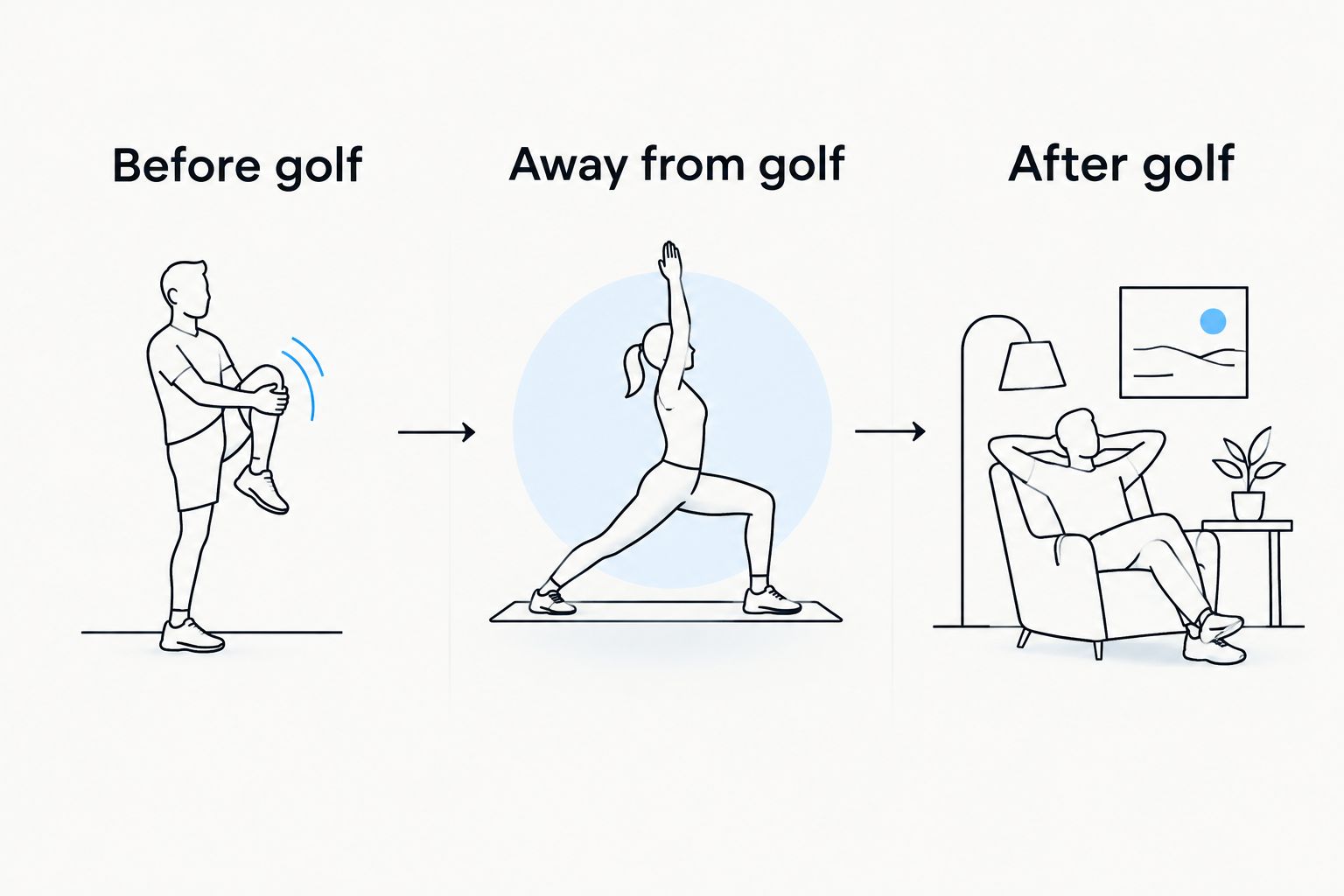
Separate preparation, dedicated practice, and recovery. A session that suits a quiet evening is not automatically the right session immediately before your opening tee shot.
Before golf: prepare to move
Use comfortable, controlled movements that resemble the actions you are about to perform. Start small, then gradually explore the movement you can use without strain.
For a simple practice example, set aside 5 minutes for movement before progressing to practice swings. This is a scheduling suggestion, not a tested dose or a guarantee of injury prevention.
Away from golf: practice control
Choose a movement you can repeat without losing balance or forcing the position. Try 3 slow repetitions per side as an initial observation: notice whether the movement stays smooth, whether you hold your breath, and whether one side feels different.
Do not turn that comparison into a diagnosis. Differences between sides deserve attention, not an automatic conclusion that something is wrong.
After golf: keep it comfortable
If you want to stretch after a round, use a position you can enter and leave comfortably. Start with a 10-second hold as a gentle familiarization example, not a required training prescription.
Stop if the position causes pain, tingling, numbness, or increasing discomfort. Recovery practice should not become a contest to tolerate a stronger sensation.
For your 2026 routine, give each session a purpose before you open the app. That decision is more useful than collecting routines you never repeat.
How these apps were ranked
This ranking compares the apps' stated formats against clear guidance, relevant movement practice, repeatability, intensity control, and scope. It is an editorial fit assessment—not a head-to-head clinical trial or a test of golf performance.
Daily guided mobility gets the default recommendation because it directly addresses the habit this guide is about. Flexibility classes, assessment-led routines, and general fitness each receive a separate use-case recommendation rather than competing on an invented overall score.
No app earns a claim here about reducing your handicap, preventing injury, or adding distance. Those outcomes require evidence beyond the existence of a mobility program.
Which mobility app should you choose?
Choose Pliability if you want daily guided mobility, stretching, and recovery without assembling your own sessions. Choose StretchIt for flexibility classes, GOWOD for assessment-led mobility, or Nike Training Club for movement work alongside general fitness.
For 2026, make the decision around the task you will actually repeat. If you already have strength training and golf instruction covered, you do not need your mobility app to duplicate those jobs.
Before committing to a format, ask yourself:
- Can I follow the demonstrations without guessing?
- Can I reduce the movement when a position feels uncomfortable?
- Does this fit around golf rather than compete with it?
- Do I understand what the app does—and what it does not assess?
The best choice is the one whose scope matches your need. More categories do not automatically make a better mobility app.
FAQ
What's the best mobility app for golfers who are beginners?
A daily guided mobility app is a practical starting point for golfers who do not want to build routines themselves. Choose clear demonstrations and movements you can perform comfortably rather than chasing advanced positions.
Is a golf-specific app better than a general mobility app?
A golf-specific label alone does not make an app better. Compare its guidance and scope, and distinguish exercise instruction from an individual swing or movement assessment.
Should I stretch before playing golf?
Use your pre-round routine to prepare for movement rather than force a deeper stretch. Comfortable dynamic movements followed by progressively fuller practice swings serve a different purpose from a dedicated flexibility session.
Can a mobility app increase my driving distance?
A mobility app does not guarantee greater driving distance. Distance depends on factors beyond available movement, including technique, strength, strike, and equipment.
Should golfers choose stretching or strength training?
Stretching and strength training address different needs, so golfers should not treat them as interchangeable. Choose a mobility app to support movement practice, not to replace every other part of training.
Can I use a mobility app if my back hurts during golf?
A mobility app is not the right tool for diagnosing back pain during golf. Stop movements that provoke symptoms and seek an assessment from a qualified healthcare professional rather than repeatedly stretching into pain.
One last thing
Do not chase more rotation everywhere. Golf needs movement and control together; a bigger stretch is not automatically a better turn.
At your next session, notice whether you can enter and leave a position smoothly. If you have to force it, reduce the range. Make control—not discomfort—the standard you repeat.