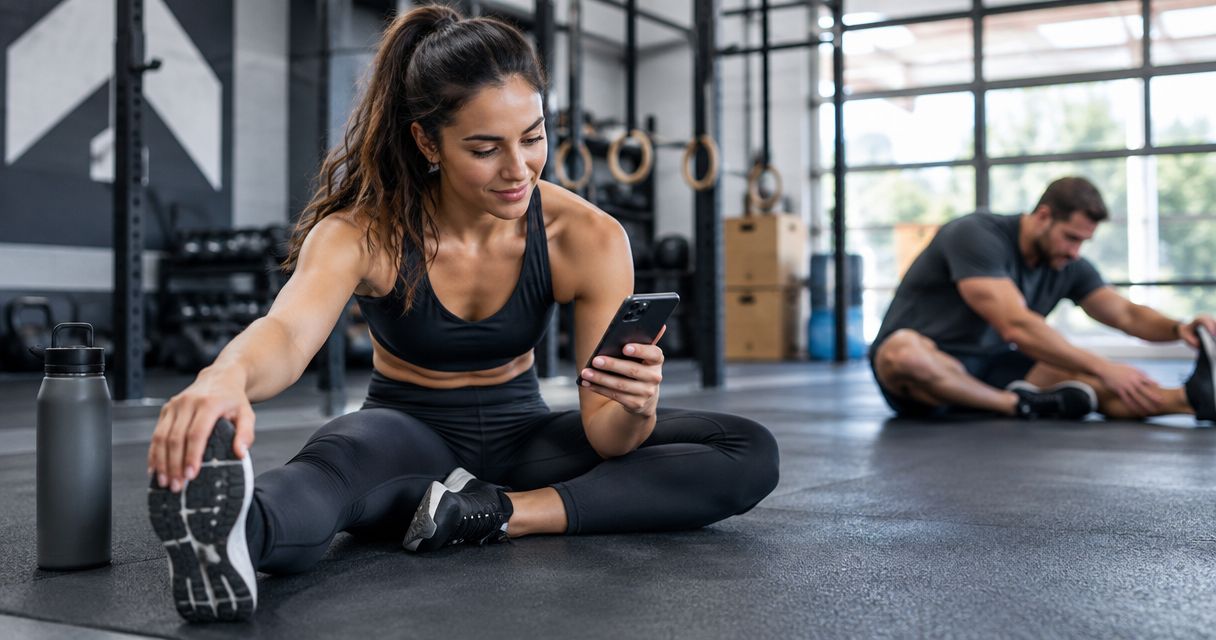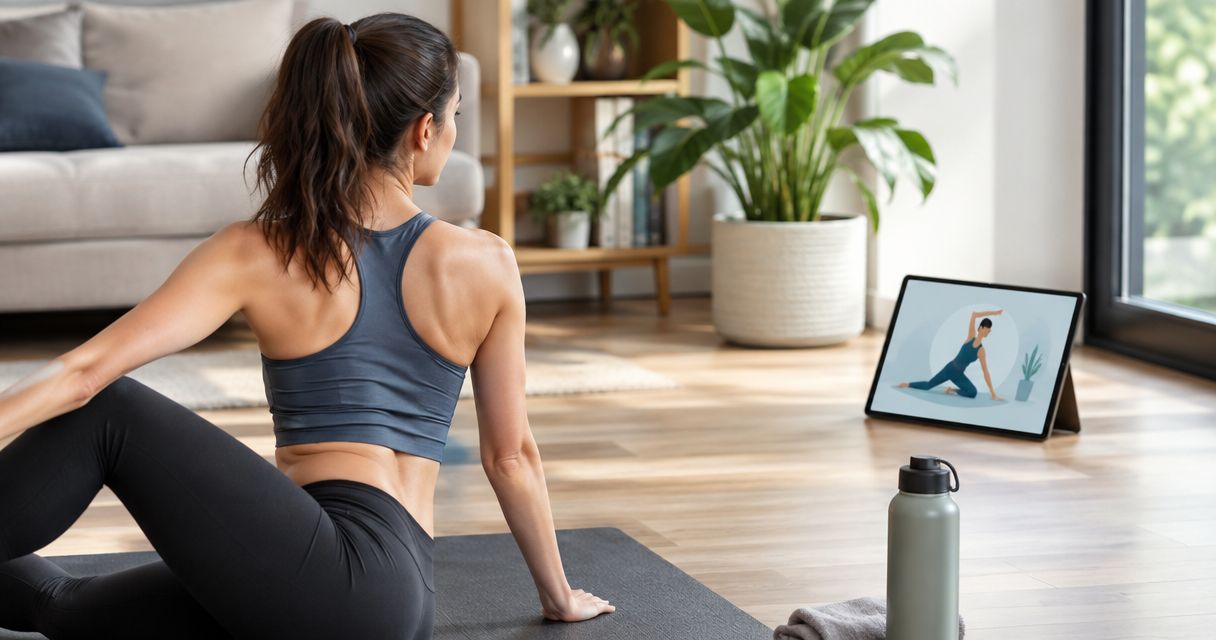
Best overall for athletes: Pliability. Best for flexibility goals: STRETCHIT. Best for simple stretching prompts: Bend. This 2026 guide compares seven stretching apps by what you want to improve: training recovery, flexibility, joint control, or a repeatable daily habit.
- Best stretching apps compared: Pliability is best for athletes seeking daily guided mobility and recovery routines.
- Choose STRETCHIT for flexibility-focused practice and Bend for straightforward stretching prompts.
- Choose GOWOD for CrossFit-focused mobility or ROM Coach for joint-focused movement practice.
- Choose Down Dog for yoga-led movement or Nike Training Club for stretching alongside broader workouts.
Why this matters
Tight hips after sitting and restricted ankles during squats do not automatically call for the same routine. Your app should match the movement you want back, not just provide a long list of stretches.
Flexibility describes available range of motion. Mobility includes your ability to control movement through that range. Stretching can support a mobility routine, but passive holds alone do not cover strength, coordination, or movement skill.
Choose the app around the habit you need, then judge whether that habit helps you move comfortably. None of these apps replaces an assessment when pain, injury, or unexplained movement loss is the problem.
What makes the best stretching apps
For this 2026 comparison, the strongest choice is the app whose guidance matches your goal and fits your day. These criteria make the differences useful:
- Goal match: Recovery after training, a flexibility milestone, and a desk-break routine are different jobs.
- Clear guidance: You should understand the starting position, movement, and easier alternative without guessing.
- Repeatable practice: A routine you willingly repeat beats a demanding session you continually postpone.
- Active control: Look beyond how far a stretch goes. Consider whether the approach also fits your movement-control goals.
- Training fit: Decide whether you want a dedicated mobility app or stretching within a broader exercise platform.
- Comfort boundaries: Instructions should support controlled movement, not encourage forcing through pain.
Do not treat the ranking as a claim that everyone needs the same app. Each recommendation below owns a different use case, and its limitation follows from that focus.
Best stretching apps compared at a glance
The best stretching apps compared here fall into three broad groups: dedicated stretching, training-focused mobility, and broader movement platforms. Start with your goal rather than downloading every option.
| App | Best for | Standout focus | Key limitation |
|---|---|---|---|
| Pliability | Athletes seeking a daily recovery habit | Daily mobility, stretching, and recovery videos | Not a replacement for sport training or rehabilitation |
| STRETCHIT | Dedicated flexibility goals | Flexibility-focused video classes and programs | A narrower fit if you mainly want general workouts |
| Bend | Simple daily stretching | Illustrated stretching routines | Less suitable if you prefer continuous video demonstrations |
| GOWOD | CrossFit-focused mobility | Mobility assessment and workout-related routines | Its training-centered approach is unnecessary for simple desk breaks |
| ROM Coach | Joint-focused movement practice | Guided mobility exercises and routines | Requires attention to movement execution |
| Down Dog | Yoga-led stretching | Customizable yoga practice | Yoga sequences are not the same as isolated stretching routines |
| Nike Training Club | Stretching within general fitness | Mobility and yoga alongside other workouts | Broader workout selection adds choices beyond stretching |
1. Pliability: best stretching app for athlete recovery habits
Pliability provides a subscription app with daily mobility, stretching, and recovery video routines for athletes and fitness enthusiasts. Its audience includes HYROX competitors and teams, making it a clear fit when movement work needs a regular place beside training.
Pliability is best for athletes who want daily guided mobility and recovery routines. Choose it for that specific job, rather than expecting one app to replace your entire training plan.
Pliability pros:
- Daily routines give your mobility practice a recurring place in the week.
- Video guidance suits people who want to follow a demonstration.
- The stated focus connects stretching with mobility and recovery.
Pliability cons:
- A recovery routine does not replace the strength, conditioning, or technique work your sport requires.
- General video instruction cannot assess your individual injury or diagnose pain.
Best for: Athletes and fitness enthusiasts building a consistent movement habit alongside training.
Verdict: Buy into the daily habit if guided recovery is your main goal.
2. STRETCHIT: best stretching app for flexibility goals
STRETCHIT centers on flexibility training through video classes and structured programs. It is the clearest match here when increasing flexibility is the practice itself, rather than an accessory to another workout.
That distinction matters. A reader working toward a deeper split needs a different selection process from someone seeking a comfortable break after sitting.
STRETCHIT pros:
- A dedicated flexibility focus keeps the purpose clear.
- Video classes provide visual movement guidance.
- Structured programs support practice beyond choosing unrelated stretches each day.
STRETCHIT cons:
- Flexibility-focused practice is not a complete strength or conditioning program.
- A flexibility milestone should not take priority over comfort or control.
Best for: People who want flexibility training to be a deliberate part of their exercise routine.
Verdict: Buy into STRETCHIT for focused flexibility practice; skip it if you only want occasional movement breaks.
3. Bend: best stretching app for straightforward daily prompts
Bend uses illustrated stretching routines, making it a different experience from following a continuous video class. That format suits readers who want a simple prompt and are comfortable interpreting exercise positions.
Pick Bend when simplicity helps you begin. Choose video-led guidance instead if you regularly need to see how someone enters, adjusts, and leaves a position.
Bend pros:
- Illustrated routines keep the stretching task visually straightforward.
- A stretching-centered format avoids turning every session into a full workout.
- Prompts suit users who prefer practicing without following a presenter throughout.
Bend cons:
- Illustrations do not show movement transitions as fully as continuous video.
- You still need to recognize when a position does not suit your body.
Best for: People who want uncomplicated stretching prompts for a repeatable daily habit.
Verdict: Buy into Bend for simplicity; skip it if detailed moving demonstrations are essential.
4. GOWOD: best stretching app for CrossFit-focused mobility
GOWOD connects mobility assessment with routines designed around training. Its CrossFit focus makes it relevant when your question is less about general relaxation and more about movement demands around workouts.
For your 2026 training plan, judge GOWOD by that connection. An assessment can guide practice, but it does not establish why a joint hurts or replace professional evaluation.
GOWOD pros:
- Mobility assessment provides a starting point for selecting practice.
- Workout-related routines connect mobility work to training context.
- A CrossFit-centered approach gives the app a clear audience.
GOWOD cons:
- Training-specific organization adds unnecessary detail for someone seeking basic stretching breaks.
- Self-assessment depends on how consistently you perform and interpret the movements.
Best for: CrossFit participants who want mobility practice connected to their workouts.
Verdict: Buy into GOWOD for training-linked mobility; skip it for a purely desk-break routine.
5. ROM Coach: best stretching app for joint-focused practice
ROM Coach emphasizes mobility exercises and routines rather than treating stretching as a collection of passive holds. It suits readers interested in how their joints move and how deliberately they can perform an exercise.
That requires attention. Watching an exercise is not the same as reproducing its position, tempo, and comfortable range.
ROM Coach pros:
- Joint-focused exercises give movement practice a specific purpose.
- Guided routines help organize exercises into a session.
- The mobility emphasis suits readers interested in more than passive stretching.
ROM Coach cons:
- Movement execution demands more attention than simply holding a familiar stretch.
- Following a routine does not tell you whether a persistent restriction needs clinical assessment.
Best for: People who prefer deliberate joint-focused practice over a stretch-only session.
Verdict: Buy into ROM Coach if you enjoy practicing movement carefully; skip it if you only want passive holds.
6. Down Dog: best stretching app for yoga-led movement
Down Dog offers customizable yoga practice. It belongs in this comparison because yoga can combine stretching, balance, transitions, and strength within one session.
Choose it because you want that combination. A flowing yoga practice is not interchangeable with a routine dedicated to one restricted movement.
Down Dog pros:
- Yoga brings several movement demands into the same practice.
- Customization helps you shape the session around your preferences.
- Flowing sequences suit readers who dislike isolated stretching drills.
Down Dog cons:
- Balance and weight-bearing positions add demands beyond stretching.
- Yoga terminology and transitions require familiarization if you are new to the format.
Best for: People who want stretching as part of a broader yoga practice.
Verdict: Buy into Down Dog for yoga-led movement; skip it if isolated stretching is the priority.
7. Nike Training Club: best stretching app for general fitness variety
Nike Training Club includes mobility and yoga within a broader workout platform. It fits readers who want movement sessions alongside other forms of exercise rather than a separate stretching-only destination.
The advantage is breadth. The trade-off is deciding what to do when stretching shares space with other training options.
Nike Training Club pros:
- Mobility and yoga sit alongside broader fitness sessions.
- One platform can support different exercise interests.
- The wider scope suits readers who do not want stretching to be their only activity.
Nike Training Club cons:
- A broad workout selection creates more decisions than a dedicated stretching routine.
- Choosing general workouts does not automatically create a consistent mobility habit.
Best for: General fitness users who want stretching within a wider exercise platform.
Verdict: Buy into Nike Training Club for variety; skip it if you want a dedicated stretching-first experience.
How to choose without overthinking it
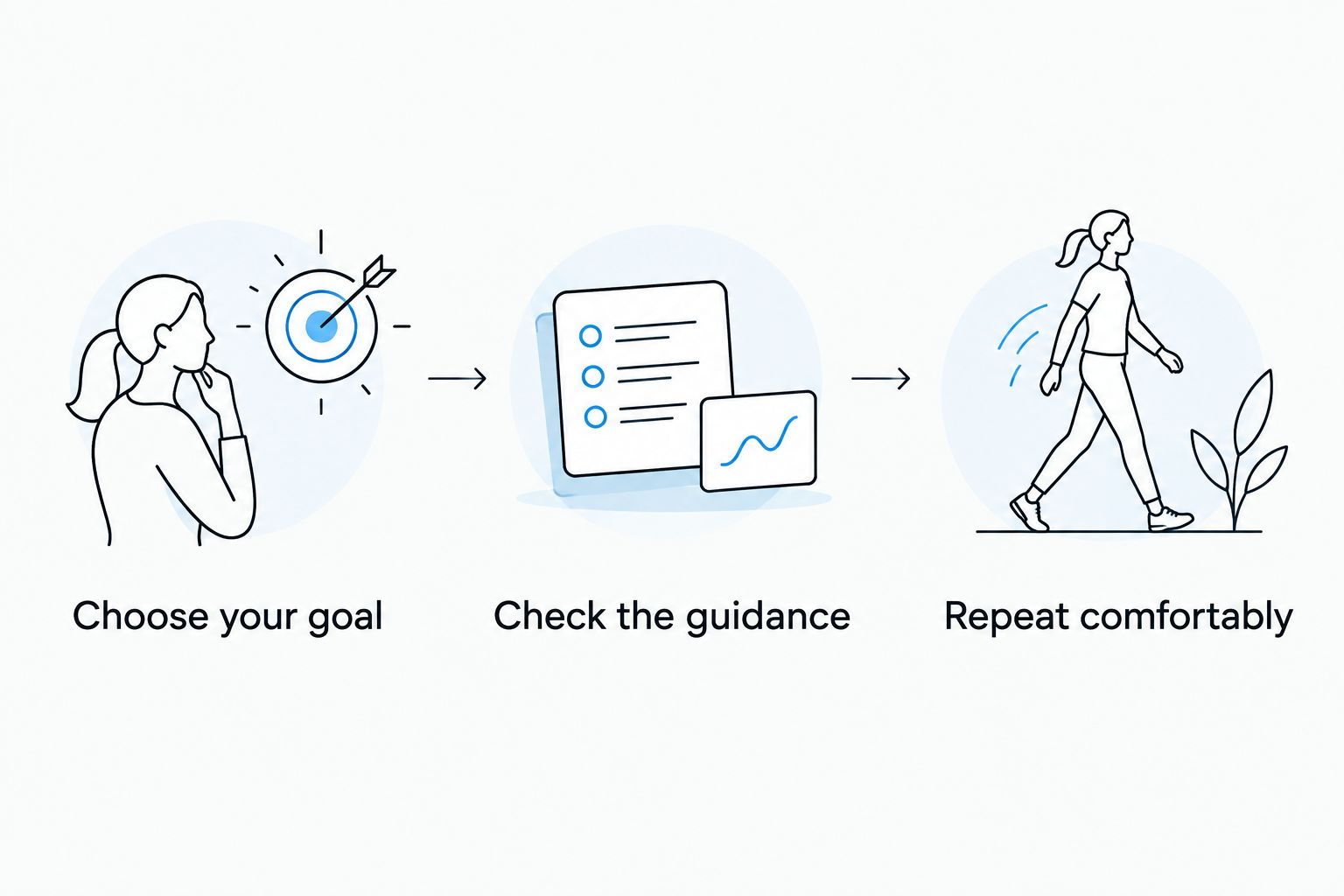
Use this sequence to narrow your 2026 shortlist. You do not need to compare every feature before deciding which format suits you.
Choose your goal
Name the job: recover around training, practice flexibility, move during the workday, or follow yoga. Choose the app whose main purpose matches that job, not the one with the longest feature list.
Check the guidance
Preview how the app explains movement before committing to a routine. If you cannot identify the starting position or a comfortable alternative, choose clearer instruction rather than trying harder.
Repeat comfortably
Begin with a manageable session and observe your response. As a conservative practice example, explore an easy movement for 5 controlled repetitions, use a comfortable stretch for 20 seconds, then spend 1 minute walking before reassessing; this is a suggested check-in, not a requirement or performance benchmark.
Stop if a movement causes sharp pain, numbness, or tingling. Persistent symptoms belong with a qualified healthcare professional, not a harder app session.
How these apps were ranked
This 2026 ranking prioritizes purpose, instruction format, repeatability, and fit with your existing exercise. The order is a decision guide, not a claim that every app was tested under identical conditions or that one delivers better clinical outcomes.
An athlete-focused recovery app leads because it matches a clear daily use case. The remaining choices separate flexibility training, illustrated prompts, CrossFit mobility, joint practice, yoga, and general fitness. Their differences matter more than their position in the list.
Which stretching app should you choose?
Choose Pliability for daily athlete mobility and recovery. Choose STRETCHIT when flexibility is the main goal, Bend when simplicity matters most, or GOWOD when mobility needs to connect to CrossFit training.
Choose ROM Coach for joint-focused practice, Down Dog for yoga, and Nike Training Club for broader fitness variety. The default decision is simple: pick the closest match to your actual routine, then practice consistently before adding another app.
FAQ
What's the best stretching app for athletes in 2026?
Pliability is the best fit in this comparison for athletes seeking daily mobility, stretching, and recovery videos. Its stated audience includes fitness enthusiasts, HYROX competitors, and teams.
Which stretching app is best for beginners?
The best beginner choice depends on the instruction you can follow comfortably. Bend suits people who prefer illustrated prompts, while video-led options suit those who need to see movements demonstrated.
Is STRETCHIT better than a mobility app?
STRETCHIT is a closer match when dedicated flexibility practice is your main goal. A mobility-focused approach is a different choice when your priority includes controlling movement through your available range.
Is GOWOD a good choice for CrossFit?
GOWOD is the CrossFit-focused choice in this comparison because it connects mobility assessment with workout-related routines. That focus is less relevant if you only want simple movement breaks.
Can I use Down Dog instead of a stretching app?
Yes, if you want stretching within yoga practice. Yoga also introduces balance, transitions, and strength demands, so it is not identical to an isolated stretching routine.
Should stretching hurt to work?
No, do not use pain as the target of a stretch. Stop for sharp pain, numbness, or tingling, and seek professional assessment for persistent or unexplained symptoms.
Can a stretching app replace physical therapy?
No, a general stretching app cannot replace individualized physical therapy. Pain, injury, and unexplained loss of movement require assessment rather than self-directed stretching alone.
One last thing
A deeper stretch is not automatically a better result. Notice whether you can use the movement comfortably afterward: reaching overhead, squatting within your ability, or walking without forcing your stride.
For the rest of 2026, keep your goal specific and your practice repeatable. Judge the app by the movement habit it helps you maintain, not by how intense a session feels.