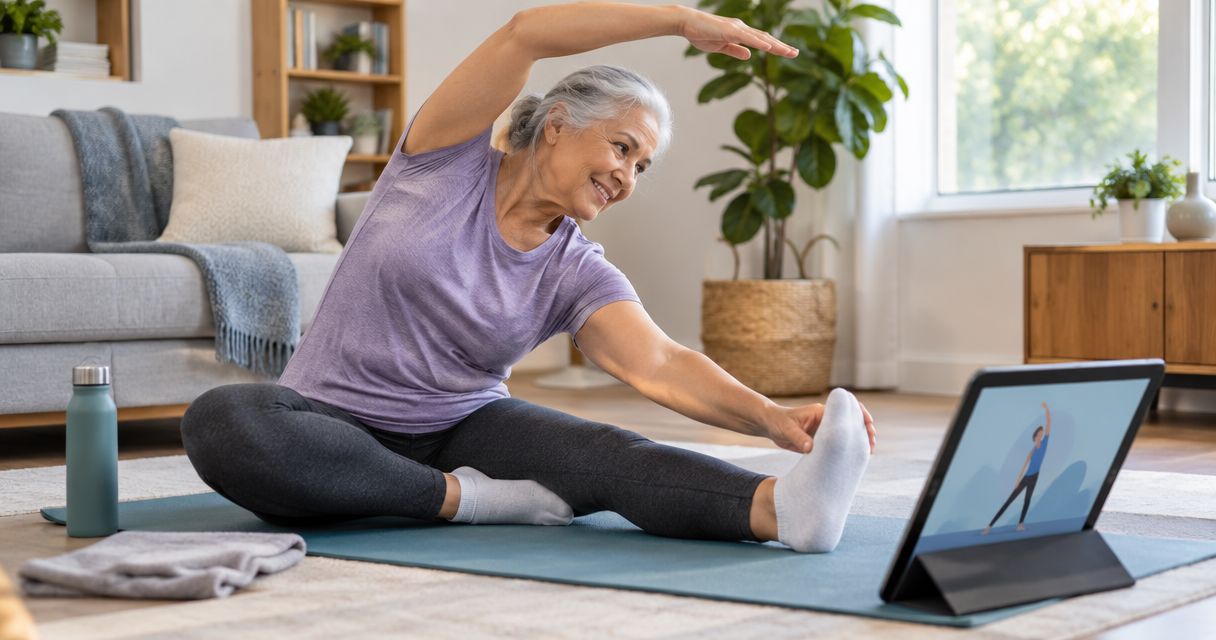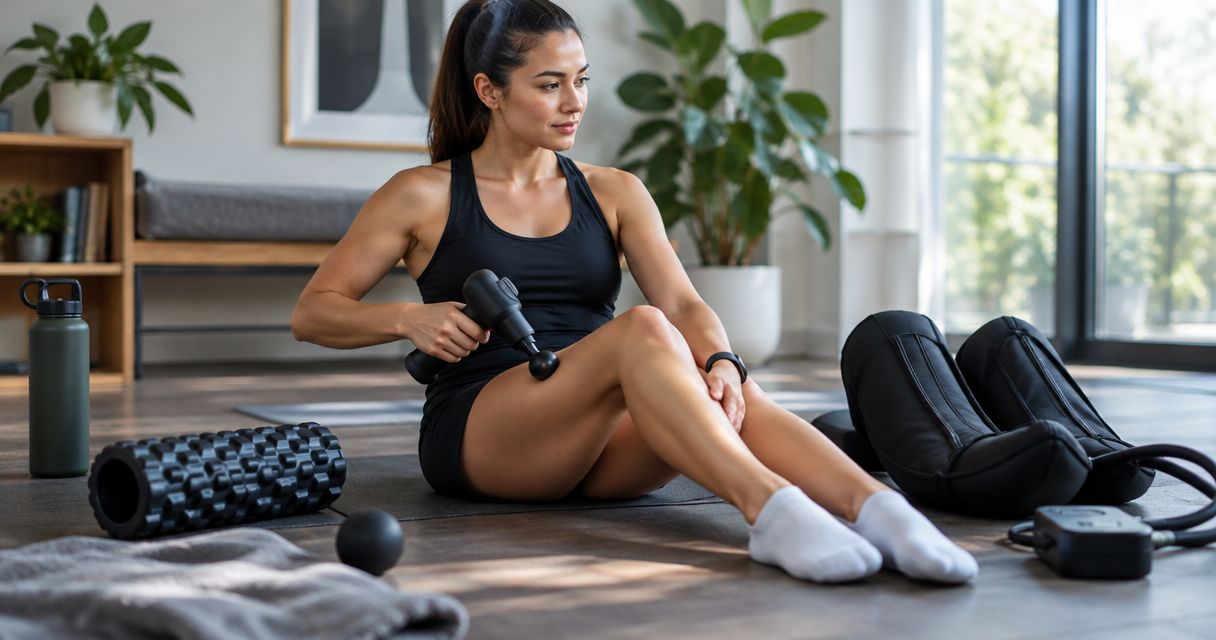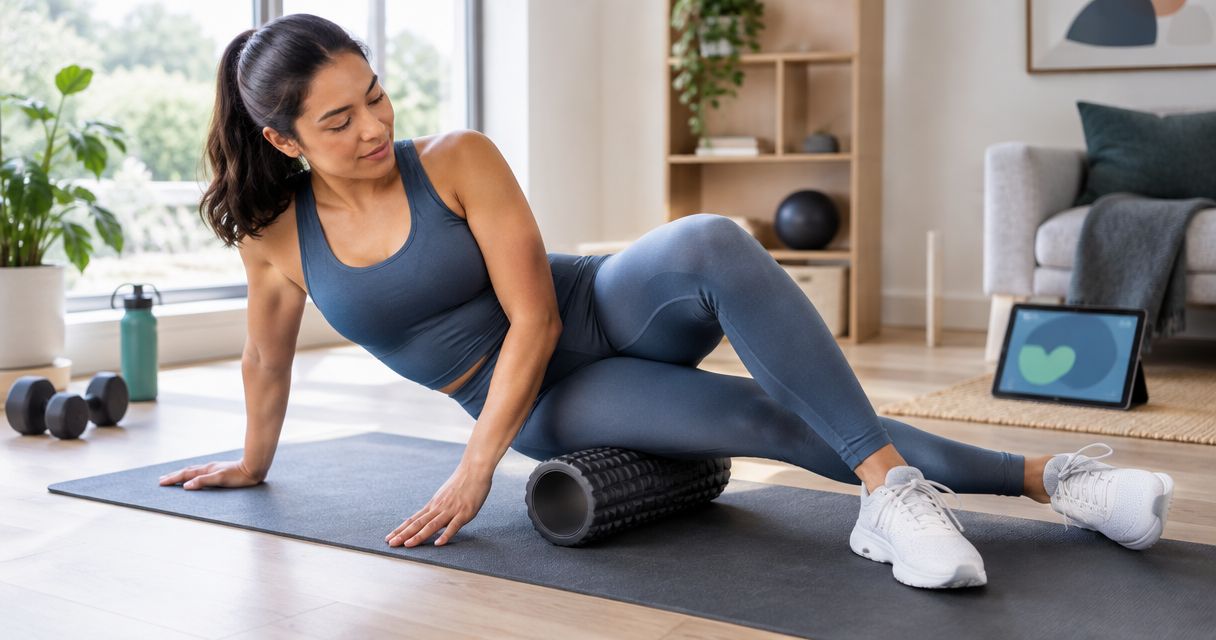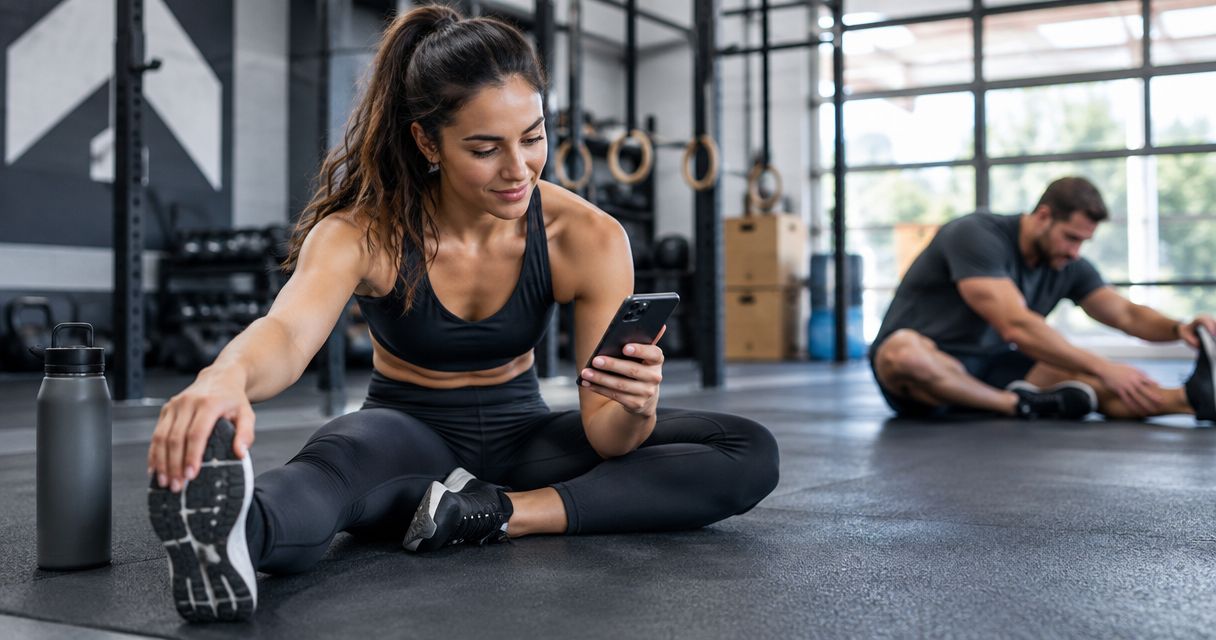
Best overall for daily guided recovery: Pliability. Best for assessment-led mobility: GOWOD. Best for learning self-mobilization: The Ready State. Best for dedicated flexibility classes: StretchIt. This 2026 guide matches each app to the work you need outside the CrossFit workout: moving comfortably, practicing usable range, or making recovery a daily habit.
- Pliability is the best mobility app for CrossFit athletes who want daily guided stretching and recovery routines.
- GOWOD fits athletes who want mobility assessment to help direct their practice.
- The Ready State fits athletes who want to understand and practice self-mobilization techniques.
- StretchIt fits athletes who prefer flexibility classes and targeted stretching practice.
Why this matters
A front rack, overhead squat, and deep squat ask different things of your body. Tight shoulders are not the same problem as limited ankle movement. An app earns its place when its sessions address your actual movement needs and fit around training.
Recovery practice and movement preparation are different jobs. A quiet stretching session after training does not replace a progressive warm-up before lifting. More passive range also does not automatically give you control of that range under a barbell.
Choose your app around the gap you can name. If you repeatedly skip recovery, prioritize a routine you can follow. If you cannot identify what limits a position, prioritize assessment or instruction rather than collecting more stretches.
What makes the best mobility app for CrossFit?
The best choice in 2026 is the app whose format matches your needs—not the one with the longest exercise library.
- Movement relevance: Your practice should connect to positions you use, such as squatting, reaching overhead, and holding a front rack.
- Clear guidance: You need understandable setup, positioning, and movement instructions. A stretch name alone is not enough.
- A repeatable routine: Daily guided sessions, assessment-led practice, and structured classes solve different consistency problems.
- Active control: Stretching can develop available range. You still need to practice controlling that range in movement.
- Training fit: Recovery work should support your schedule rather than become another demanding session you avoid.
- Clear boundaries: An app is not a diagnosis, an injury assessment, or a substitute for coaching your lifts.
Before choosing, write down the position that feels restricted and the time you can realistically protect. That gives you a useful filter. Otherwise, every feature sounds relevant.
Best CrossFit mobility apps at a glance in 2026
| App | Best for | Standout approach | Key limitation |
|---|---|---|---|
| Pliability | Daily guided stretching and recovery | Daily mobility, stretching, and recovery video routines | Guided recovery does not replace loaded movement practice or coaching |
| GOWOD | Assessment-led mobility practice | Mobility testing and personalized mobility protocols | A mobility assessment does not diagnose pain or explain every lifting fault |
| The Ready State | Learning self-mobilization | Instruction covering mobility and self-care techniques | Learning a technique is not the same as receiving individual coaching |
| StretchIt | Dedicated flexibility classes | Video-led stretching and flexibility training | Flexibility practice alone does not establish control in CrossFit movements |
These are different use-case winners, not interchangeable versions of the same service. Read the limitation column first. It tells you which part of your training each app still leaves to you.
1. Pliability: best mobility app for daily recovery
This subscription app provides daily mobility, stretching, and recovery video routines for athletes and fitness enthusiasts. Its clearest use case is straightforward: you want guidance instead of deciding which stretches to assemble after every workout.
Pliability is best for CrossFit athletes who want daily guided stretching and recovery routines. The format suits a repeatable practice around training, without requiring you to build your own video sequence.
That matters when your obstacle is execution rather than information. You already know you want to spend time on mobility. What you need is a session to follow and a regular place for it in your day.
Pliability pros
- Daily routines give your practice a clear starting point.
- Video guidance supports following a session rather than interpreting an exercise list.
- Mobility, stretching, and recovery sit within the stated scope of the app.
- The service is built for athletes and fitness enthusiasts.
Pliability cons
- A guided routine cannot assess the cause of painful movement.
- Following stretching videos does not replace practicing control in your lifts.
- A subscription only serves its purpose when you actually use the routines.
Best for: Athletes who want daily guided recovery and stretching alongside CrossFit.
Use the app to establish the habit. Keep technique work with your coach, and distinguish ordinary stretching discomfort from pain that needs assessment. Those boundaries make the routine more useful, not less.
Verdict: Buy for daily guided recovery; skip as a substitute for injury care or lifting instruction.
2. GOWOD: best mobility app for assessment-led practice
GOWOD combines mobility testing with personalized mobility protocols. Its distinct role is helping you direct practice through an assessment-based approach rather than choosing a general stretching session first.
That makes it relevant when you want a starting point for identifying mobility priorities. An assessment gives your practice structure. It does not prove that a particular restriction is the sole reason your squat, catch, or overhead position breaks down.
Choose GOWOD when you want assessment to guide your mobility work. Keep the result connected to the movements you actually perform, and avoid treating an app score as your training objective.
GOWOD pros
- Mobility testing provides a structured starting point.
- Personalized protocols help direct exercise selection.
- Reassessment gives you a consistent format for revisiting your mobility.
- The assessment-led approach suits athletes who prefer a defined process.
GOWOD cons
- Test results are not a clinical diagnosis.
- Changes in an assessment do not automatically establish better lifting technique.
- Self-testing requires careful setup and honest execution.
Best for: Athletes who want mobility assessment to direct their practice.
Follow assessment instructions consistently. If you change the setup, effort, or interpretation each time, comparison becomes less useful. Also check whether the movement you care about feels more controlled—not just whether the assessment looks different.
Verdict: Buy for assessment-led mobility; skip if tracking assessments distracts you from practicing.
3. The Ready State: best mobility app for self-mobilization skills
The Ready State provides instruction in mobility and self-care techniques. Its strongest fit here is the athlete who wants to understand how to perform mobilization work, rather than only follow a stretching routine.
That learning focus matters if you regularly encounter techniques you do not know how to set up. Position, pressure, and execution all matter. Watching an instructional demonstration gives you something concrete to practice, but it cannot confirm that you are applying the technique appropriately.
Choose The Ready State when learning self-mobilization is the priority. Treat instruction as a skill-building resource, not permission to push through symptoms.
The Ready State pros
- Instruction supports learning mobility and self-care techniques.
- Technique-focused content suits athletes who want to understand execution.
- Self-mobilization adds an approach beyond passive stretching.
- Learning individual methods helps you make deliberate practice choices.
The Ready State cons
- Instruction still requires you to interpret and apply the technique.
- A video cannot assess your individual symptoms or medical history.
- Collecting techniques can distract from repeating the useful ones.
Best for: Athletes who want to learn and practice self-mobilization skills.
Choose a technique for a clear reason. Know the position you are addressing, follow the instructions, and stop when the work produces pain rather than tolerable pressure or stretch sensation. More force is not a useful default.
Verdict: Buy for technique education; skip if you want only a follow-along stretching habit.
4. StretchIt: best mobility app alternative for flexibility classes
StretchIt offers video-led stretching and flexibility training. It fits athletes who prefer a class format and want dedicated flexibility practice outside their CrossFit sessions.
Flexibility and mobility overlap, but they are not identical. Available range is one part of the problem. Controlling that range during a squat, press, or catch is another.
Choose StretchIt when dedicated flexibility practice is your main goal. Pair that practice with movement work appropriate to your training rather than treating deeper stretches as proof of better lifting positions.
StretchIt pros
- Video classes provide a follow-along format.
- Dedicated flexibility training keeps the practice focused.
- Class-based instruction suits athletes who prefer a defined session.
- Stretching practice addresses available range outside the workout.
StretchIt cons
- Flexibility work alone does not teach a loaded front rack or overhead squat.
- A deeper stretch is not automatically a more useful sporting position.
- Your flexibility goals still need to match your training needs.
Best for: Athletes who want structured flexibility classes alongside CrossFit.
Keep the objective specific. Reaching a position comfortably is useful; forcing a dramatic end-range shape is not the point. Your training still needs controlled movement through the range you develop.
Verdict: Buy for dedicated flexibility classes; skip if you need assessment-led mobility or technique troubleshooting.
How to choose without turning mobility into another project
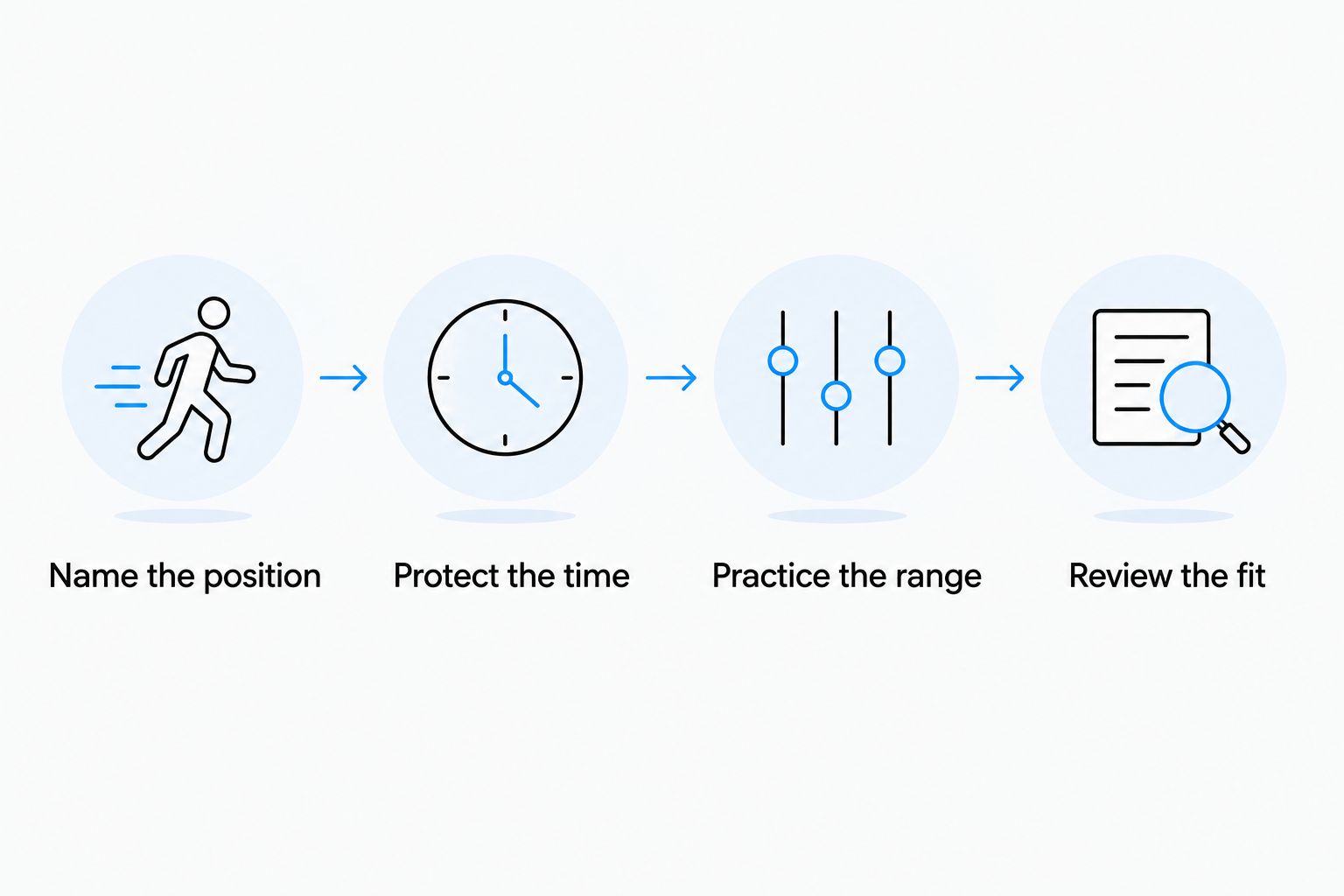
Use this simple trial process in 2026. The durations below are suggested habit-building targets, not app session lengths or promises of improvement.
Name the position
Choose one movement to observe: your squat, front rack, or overhead reach. Describe the restriction plainly. For example, your heels rise in a squat, or your front rack feels uncomfortable.
Do not diagnose the cause from that observation. Strength, balance, technique, and mobility can all affect how a position looks. Ask your coach to help separate those factors.
Protect the time
Start by protecting 5 minutes per day for a mobility habit. If your chosen guided session takes longer, reserve the time it actually requires. The target is a reliable place in your schedule, not rushing through instructions.
Use an existing cue: after arriving home, after showering, or before settling down for the evening. Pick a cue you already repeat.
Practice the range
Practice an unloaded version of the relevant movement separately from your stretching session. Use 2 slow repetitions per check as a simple observation method, not a workout prescription. Notice comfort, balance, and control without forcing depth.
Keep the setup consistent. Comparing a rested squat with a heavily fatigued squat tells you less about your mobility practice.
Review the fit
After 3 training sessions, review whether the app format fits your schedule. This is a usability checkpoint, not a deadline for physical change. Ask whether you followed the instructions, completed the practice, and understood its purpose.
Keep the app that supports repetition. Change the approach if you keep avoiding it or cannot connect the practice to a clear goal.
How we ranked the apps
This 2026 ranking prioritizes the match between each app's established approach and a distinct athlete need: daily guidance, assessment-led practice, self-mobilization instruction, or flexibility classes.
The order reflects the default reader's need for a repeatable mobility habit. It does not claim that one app produces greater range of motion, faster recovery, or better CrossFit results than another. Those outcomes are not established by this comparison.
The useful ranking is the one that changes your choice. If assessment is your priority, choose the assessment-led option even though it sits second here.
Which mobility app should you choose in 2026?
Choose Pliability if your main goal is daily guided stretching and recovery. Choose GOWOD for assessment-led practice, The Ready State for self-mobilization instruction, or StretchIt for flexibility classes.
Do not subscribe to several services just because each covers something different. Start with the job you need done most often. Add instruction or assessment only when it addresses a clear gap in your current practice.
Your app should make the next session easier to start. If choosing routines becomes harder than doing them, simplify.
FAQ
What's the best mobility app for CrossFit athletes?
Pliability is the best fit in this comparison for CrossFit athletes who want daily guided stretching and recovery. GOWOD fits assessment-led practice, The Ready State fits self-mobilization instruction, and StretchIt fits dedicated flexibility classes.
Is GOWOD better than a daily stretching app?
GOWOD is the better fit when you want mobility testing and personalized protocols to direct practice. A daily stretching app is the better fit when your main obstacle is consistently following a routine.
Can a mobility app fix my front rack?
A mobility app cannot guarantee a better front rack. Mobility, technique, strength, and position all need consideration, so combine appropriate practice with coaching rather than assuming stretching is the entire answer.
Should I stretch before or after CrossFit?
Use a progressive, movement-specific warm-up before CrossFit, and keep recovery stretching distinct from that preparation. An after-training routine does not replace warming up for the movements and loads in your session.
Is flexibility the same thing as mobility?
Flexibility and mobility are related but different. Flexibility concerns available range, while mobility also involves controlling movement through that range; CrossFit positions require more than reaching a deep stretch.
How long should I try a mobility app before changing it?
Review the app's usability after several training sessions, but do not use that checkpoint as a deadline for physical improvement. Judge whether its instructions, format, and scheduling fit support consistent practice.
Should I keep stretching if a position hurts?
Do not force a painful position. Stop the painful movement and seek assessment from a qualified healthcare professional, especially when symptoms persist or affect training.
One last thing
Your deepest stretch is not necessarily your most useful range. A position matters when you can reach it, control it, and use it for the task in front of you.
On your next training day, ask your coach to observe the movement you are trying to improve. Then connect your mobility practice to that observation. A clear movement goal beats an expanding collection of stretches. Keep the routine simple enough to repeat.