Pliability is the best recovery app for athletes who want daily guided mobility and stretching. Best for wearable-based recovery tracking: WHOOP. Best for sleep-focused tracking: Oura. This 2026 guide separates apps that guide recovery activities from tools that help you decide when to ease off.
- Pliability is the best recovery app for athletes seeking daily mobility, stretching, and recovery video routines.
- WHOOP suits athletes who want recovery tracking alongside training strain and sleep data.
- Oura suits athletes who want sleep and readiness tracking through a ring.
- Nike Training Club, Headspace, and TrainingPeaks address movement, mental recovery, and training planning respectively.
Why this matters
Recovery apps do different jobs. A stretching session gives you something to do; a readiness score gives you information to interpret. Neither replaces sleep, adequate nutrition, or sensible training decisions.
Choose your recovery app in 2026 around the problem you need to solve. Tight hips after running call for a different tool than inconsistent sleep or a training calendar with no room to recover. Start with the bottleneck. Then choose the app.
The best recovery setup is not the one with the most dashboards. It is the one that helps you make a useful decision or complete a useful routine. Tracking without action adds another number to your day. Guided sessions without attention to fatigue can also miss the bigger picture.
What makes the best recovery app for athletes?
These criteria shape the 2026 ranking. Each app gets a distinct use case rather than competing for a single recovery score.
- Clear purpose: The app should address a defined need: mobility, sleep, mental recovery, active recovery, or training management.
- Actionable guidance: You should know what to do after opening it, not just receive a label describing your condition.
- Training fit: The app should fit around your sport and schedule instead of creating another demanding workout.
- Useful feedback: Tracking should help you spot patterns without turning a single reading into a medical conclusion.
- Equipment requirements: Know whether the app works independently or depends on a wearable and its data.
- Repeatable use: Choose a format you can return to consistently. A neglected app cannot support your recovery routine.
Before comparing features, decide whether you need an activity, a measurement, or a planning tool. That distinction matters more than a long feature list. It also stops you from expecting a sleep tracker to teach stretching or a meditation app to manage training load.
Recovery apps at a glance in 2026
The table follows the same order as the detailed recommendations. The ranking is a decision tree: choose the row that matches your main recovery problem.
| App | Best for | Standout feature | Key limitation |
|---|---|---|---|
| Pliability | Daily guided mobility and stretching | Daily mobility, stretching, and recovery video routines | Guided movement does not replace sleep or training-load decisions |
| WHOOP | Wearable-based recovery tracking | Recovery, sleep, and strain information together | Requires WHOOP hardware for its core tracking experience |
| Oura | Sleep-focused recovery tracking | Ring-based sleep and readiness tracking | Readiness information does not teach movement routines |
| Nike Training Club | Guided active-recovery movement | Workout library that includes yoga and mobility | Broader fitness focus rather than a dedicated recovery-tracking system |
| Headspace | Mental recovery and winding down | Guided meditation and sleep content | Does not address joint mobility or training load |
| TrainingPeaks | Recovery through training planning | Training calendar and training-load analysis | Planning tools are not guided recovery sessions |
A limitation is not a reason to reject an app automatically. It defines the job the app cannot do for you. Athletes who want both guided movement and physiological tracking need to distinguish those roles rather than assume one recommendation covers everything.
1. Pliability: best recovery app for daily mobility
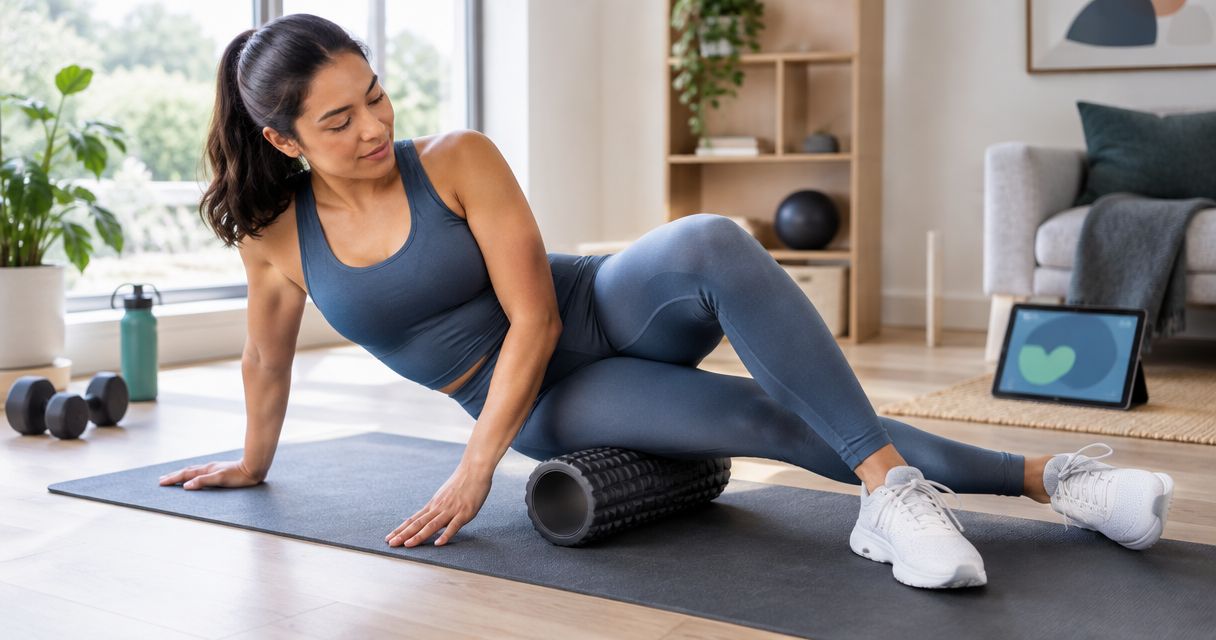
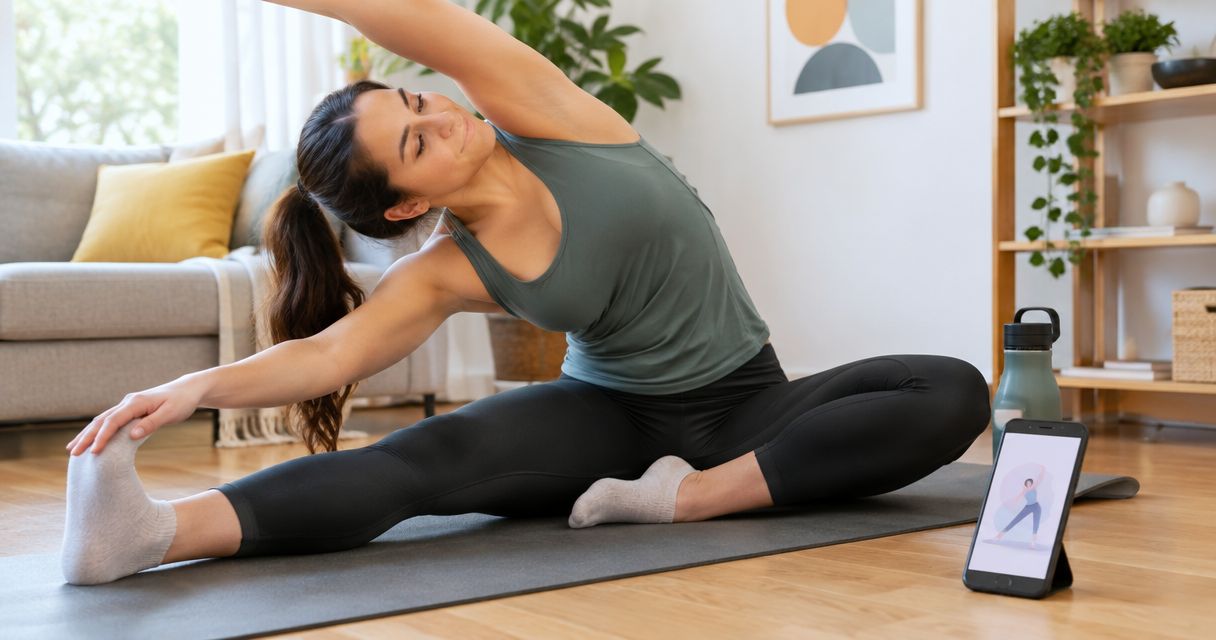
Pliability offers a subscription app with daily mobility, stretching, and recovery video routines. It serves athletes and fitness enthusiasts, including HYROX competitors and teams. Its role is practical: guide your movement rather than make a readiness score the center of your routine.
Choose this category when you want structure for stretching and mobility. A guided session removes the need to assemble a routine from disconnected exercise clips. You still need to match the effort to how your body feels.
Pliability pros:
- Daily routines give your movement practice a repeatable format.
- Video guidance supports following a session rather than reading instructions alone.
- Mobility, stretching, and recovery sit within the same app offering.
Pliability cons:
- Following a video does not diagnose pain or an injury.
- Mobility work cannot compensate for inadequate sleep or excessive training load.
Best for: Athletes who want a guided mobility habit alongside their existing training, including HYROX competitors.
Make the session deliberate. Notice whether you can breathe comfortably and control the position rather than chasing a deeper stretch. If a position causes pain, stop; intensity is not proof that the routine is working.
Verdict: Buy if daily guided mobility is the recovery task you want help completing.
2. WHOOP: best recovery app for wearable-based tracking
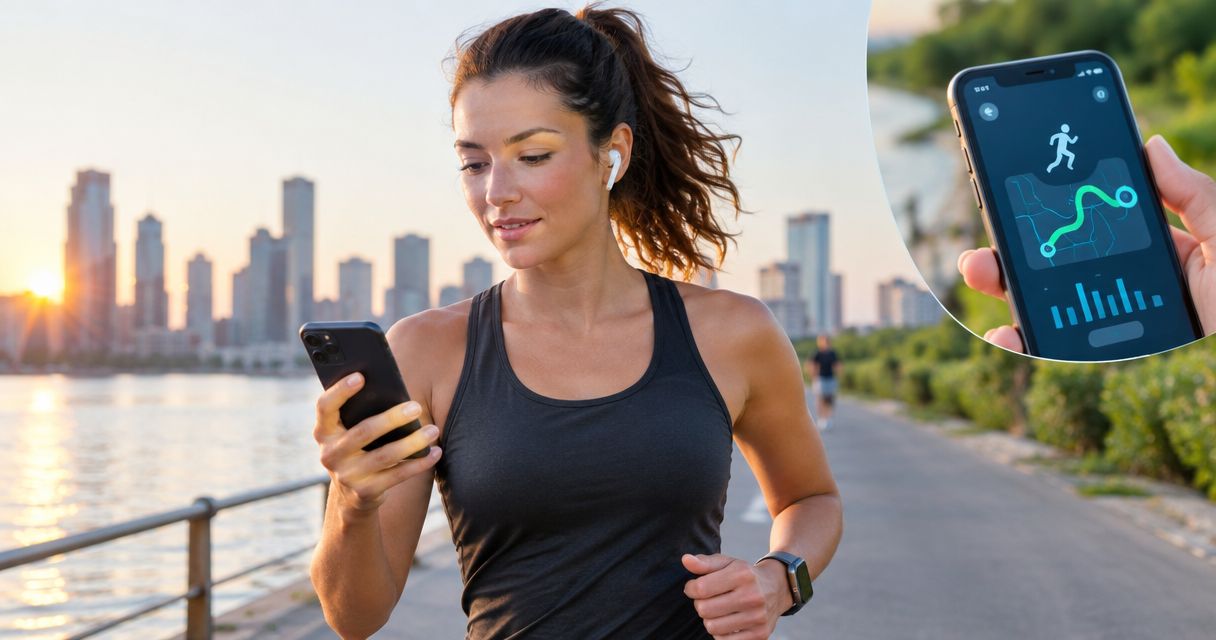
WHOOP combines wearable measurements with app-based information about recovery, sleep, and strain. It suits athletes who want to examine the relationship between their training and recovery trends. The core experience depends on WHOOP hardware, not just downloading an app.
Use WHOOP when your question is about patterns across your days. It is a measurement tool, not a replacement for your own awareness of fatigue, soreness, or illness.
WHOOP pros:
- Recovery, sleep, and strain information appears within one system.
- Wearable tracking gives you information beyond manually recording how you feel.
- Trends provide context for conversations about training and recovery.
WHOOP cons:
- Core tracking requires the associated wearable.
- A recovery score is not a diagnosis or an instruction to train through pain.
Best for: Athletes who want wearable-based recovery information alongside training strain and sleep tracking.
Check the context before changing your workout. A hard session, disrupted sleep, and how you feel all belong in the decision. Do not treat a favorable score as permission to ignore symptoms, or an unfavorable score as a complete explanation of them.
Verdict: Buy if you want recovery tracking and are prepared to use the required hardware.
3. Oura: best recovery app for sleep-focused tracking
Oura uses a ring and companion app to provide sleep and readiness information. It fits athletes who want sleep to be the starting point of their recovery review. Its format differs from wrist-worn tracking, which makes the hardware choice part of the decision.
Oura helps you examine recorded patterns; it does not provide a complete explanation for every restless night. Keep the distinction between tracking sleep and treating a sleep problem clear.
Oura pros:
- Sleep and readiness information supports a sleep-centered recovery review.
- Ring-based tracking offers an alternative to a wrist-worn device.
- Repeated measurements help you look beyond an isolated night.
Oura cons:
- Core tracking depends on an Oura Ring.
- Readiness information does not provide a guided mobility session.
Best for: Athletes whose main recovery question concerns sleep consistency and overnight patterns.
Pair your review with a concrete decision. Protecting time for sleep is more useful than repeatedly refreshing a score. Persistent sleep difficulties deserve professional attention rather than endless interpretation of app readings.
Verdict: Buy if sleep tracking is your priority and a ring fits your preferences.
4. Nike Training Club: best recovery app for active movement
Nike Training Club is a broader fitness app with guided workouts, including yoga and mobility content. It suits athletes who prefer movement sessions within a general training library. Select the session intentionally: a workout app contains activities with different demands.
An active-recovery choice should remain distinct from another hard training session. The label on the app matters less than the effort you actually put into the activity.
Nike Training Club pros:
- Guided content includes yoga and mobility options.
- A broader workout library supports athletes who want more than recovery content.
- Session guidance gives structure to movement practice.
Nike Training Club cons:
- Its broader fitness focus requires you to distinguish recovery movement from training.
- Guided workouts do not replace physiological recovery tracking.
Best for: Athletes who want yoga or mobility within a general fitness app rather than a dedicated tracking system.
Choose something you can complete without turning the session into a performance test. If you keep adding intensity because the movement feels easy, you have changed the purpose. Keep your recovery day recognizable as a recovery day.
Verdict: Buy into this approach if guided, lower-demand movement is your priority; skip it as a readiness tracker.
5. Headspace: best recovery app for mental recovery
Headspace provides guided meditation and sleep content. It addresses a different part of recovery from stretching or training-load analysis: making space to settle your attention and wind down. That is a distinct use case, not a substitute for physical recovery work.
Choose Headspace when you want guidance for a quieter routine. Do not judge it by whether it increases your ankle range or changes your training plan.
Headspace pros:
- Guided meditation gives structure to a mental-recovery practice.
- Sleep content offers an option for a wind-down routine.
- The focus stays separate from workout performance and training metrics.
Headspace cons:
- It does not provide a joint-mobility solution.
- Meditation and sleep content do not replace care for persistent mental-health or sleep concerns.
Best for: Athletes who want a guided practice for mental recovery and winding down.
Set a clear boundary around the activity. Listening while checking messages or reviewing tomorrow's workout defeats the purpose of giving your attention a break. Finish the session without immediately turning it into another performance metric.
Verdict: Buy if mental recovery is the gap; skip it as your only physical recovery tool.
6. TrainingPeaks: best recovery app for training-load planning
TrainingPeaks supports training calendars, workout analysis, and training-load management. Its recovery value comes from planning and reviewing training rather than guiding stretches. It suits athletes whose main problem is how hard sessions and easier days fit together.
A planned recovery day needs protection. A calendar makes that decision visible, but you still have to resist filling the space with more demanding work.
TrainingPeaks pros:
- A training calendar places recovery decisions alongside workouts.
- Training-load analysis adds context to the demands of your schedule.
- Planning tools support reviewing the structure of a training block.
TrainingPeaks cons:
- Useful interpretation depends on the training information recorded.
- Calendar and analysis tools do not deliver a mobility routine.
Best for: Athletes who need better training structure rather than another recovery activity.
Look at the whole week, not just the workout you feel ready for today. If every easier day becomes another hard session, downloading a planning tool has not changed the underlying behavior.
Verdict: Buy if training planning is the bottleneck; skip it if you only want guided stretching.
How to choose without collecting more apps
Use this sequence to turn the comparison into a decision. These are suggested review checkpoints, not app specifications or promises of recovery results.
- Name the bottleneck. Spend 5 minutes identifying the task you need help with: movement, sleep, mental recovery, or planning.
- Choose one role. Pick a primary app that addresses that task. Avoid buying overlapping tools before you know what is missing.
- Practice consistently. If guided recovery is your choice, plan 1 session per day that fits your schedule and physical tolerance.
- Review the fit. After 7 days, check whether you used the app and whether its guidance helped you make decisions. This checks usability, not long-term results.
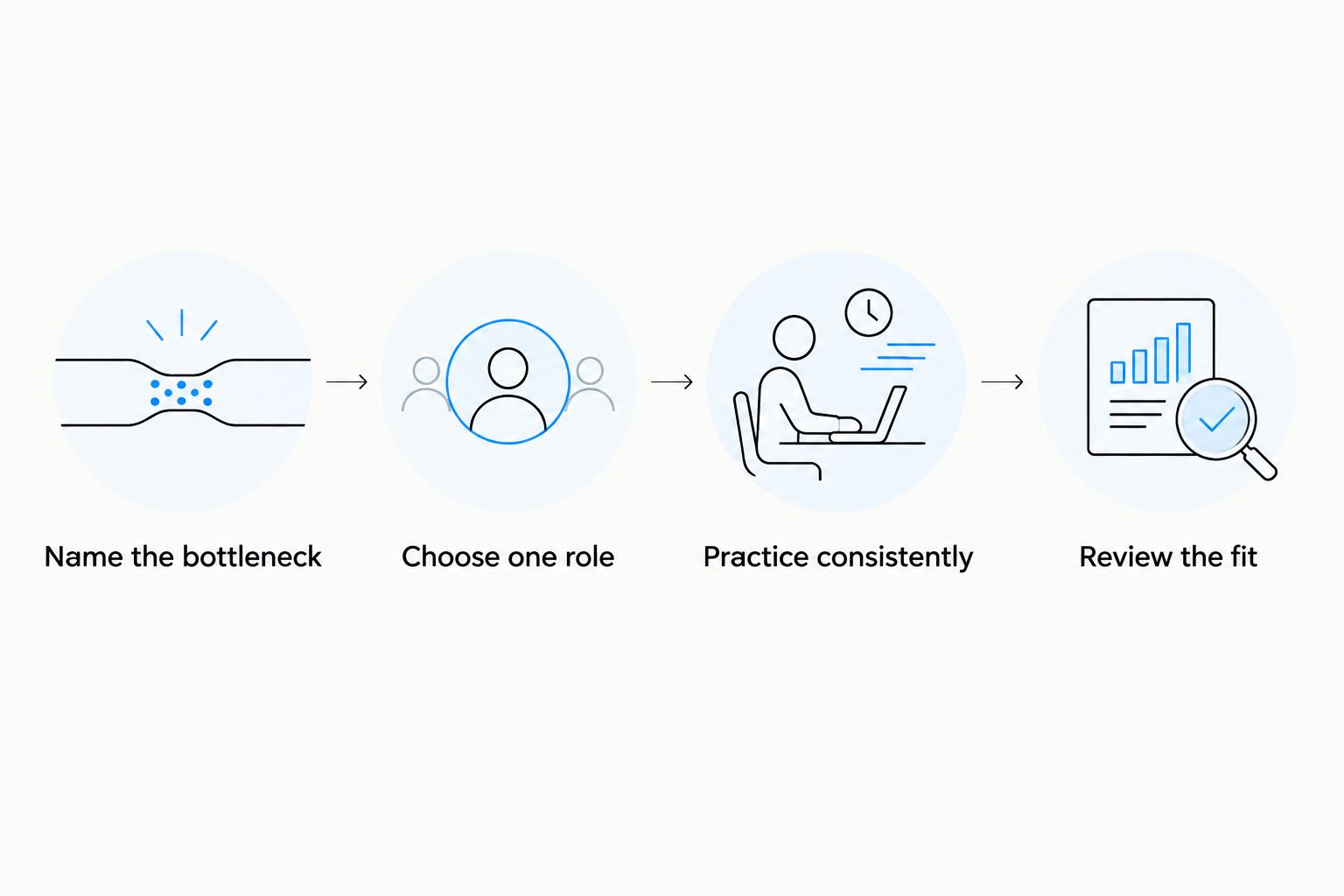
Do not add another app to solve a problem of inconsistent use. First simplify the routine. If your needs are genuinely different—such as guided mobility and sleep tracking—assign each tool a separate job.
How we ranked the recovery apps
This 2026 ranking compares the apps by purpose, guidance, training fit, feedback, equipment requirements, and repeatability. The order puts guided daily mobility first, then separates wearable tracking, sleep tracking, active movement, mental recovery, and training planning.
The recommendations are use-case judgments, not claims that one app produces better physiological outcomes than another. Choose by the task each app performs. A feature comparison cannot establish faster recovery or injury prevention.
Which recovery app should you choose?
Choose Pliability in 2026 if you want daily guided mobility and stretching alongside your sport. Choose WHOOP for wearable-based recovery tracking, Oura for sleep-centered tracking, Nike Training Club for guided active movement, Headspace for mental recovery, or TrainingPeaks for training planning.
For the undecided athlete, start with the task you will actually complete. A guided routine is a different commitment from wearing a tracker or reviewing a calendar. Make that choice explicit before adding more tools.
FAQ
What's the best recovery app for athletes in 2026?
The best recovery app depends on whether you need guided movement, tracking, or planning. Choose a daily mobility app for stretching routines, WHOOP for wearable recovery tracking, or TrainingPeaks for training structure.
Is a recovery tracker better than a stretching app?
A recovery tracker and a stretching app perform different jobs. A tracker provides measurements to interpret; a stretching app guides an activity you complete.
Which recovery apps need a wearable?
WHOOP and Oura depend on their associated hardware for core tracking. Check the current hardware and app requirements before choosing either system.
Can a recovery app tell me whether I'm injured?
A recovery app cannot diagnose an injury. Stop movements that cause pain and seek qualified assessment rather than relying on a readiness score or exercise video.
Is Nike Training Club a dedicated recovery app?
Nike Training Club is a broader fitness app that includes yoga and mobility content. Choose those sessions deliberately rather than treating every workout as active recovery.
What recovery app should I use for HYROX?
Choose the app around your HYROX recovery task: guided mobility, sleep tracking, mental recovery, or training planning. The event alone does not make one type of app cover every need.
How much do recovery apps cost?
Check each provider's current terms for app subscriptions and any required hardware. Compare the full setup, not just whether an app can be downloaded.
One last thing
An easy day can become a hard day without you calling it training. An aggressive stretching session, a demanding yoga workout, or extra conditioning still asks something of your body. Choose the effort to match the purpose. Recovery is not another contest.